Why Your Website is Slow (And How to Fix It Without Being a Tech Expert)
You’ve spent hours designing your website, writing perfect copy, and setting up your products. But when you finally load the page on your phone, you notice a lag. A delay. A hesitation.
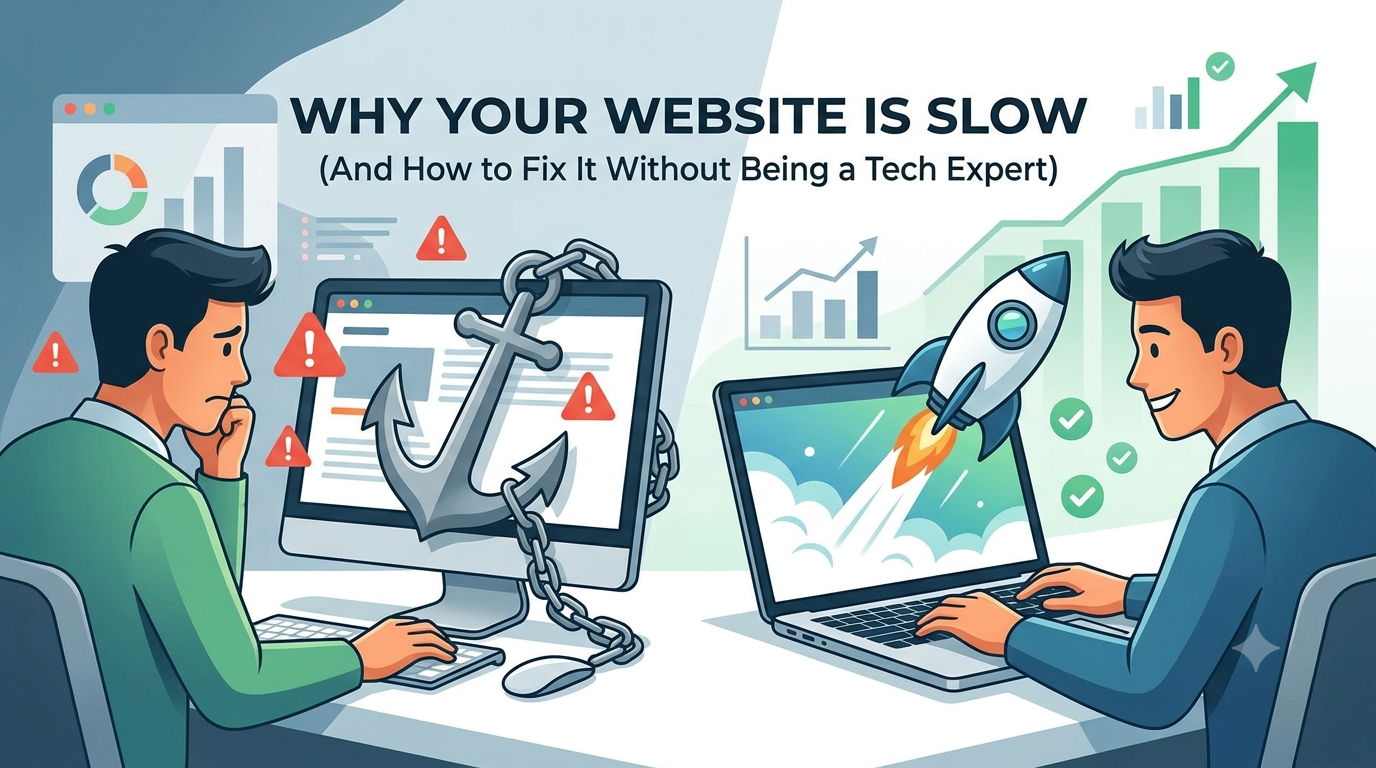
The Silent Traffic Killer
Website speed is often ignored by business owners until it's too late. Search engines like Google have made page speed a critical ranking factor. If your site is slow, you are effectively invisible to a huge portion of your potential audience.
Common Reasons for a Slow Site
- Heavy Media Files: High-resolution images are the #1 cause of slow loading times.
- Excessive Scripts: Too many plugins or tracking codes can clog your site’s "engine."
- Poor Hosting Choices: Sometimes, the bottleneck isn't your site—it’s the server it lives on.
- Lack of Caching: Without caching, your server has to rebuild your entire webpage for every single visitor.
Quick Fixes You Can Do Today
You don't need a degree in computer science to speed up your site. Here are three things you can start right now:
1. Optimize Your Images (The Biggest Win)
Before you upload any image, it should be compressed. A 5MB photo can easily be reduced to under 200KB without losing quality that the human eye can detect. Tools like ImazeReduce make this process effortless.
2. Choose Your Plugins Wisely
Every plugin you install adds a small amount of "weight" to your site. Audit your plugins and delete anything you aren't actively using.
3. Use a Content Delivery Network (CDN)
A CDN stores copies of your site on servers all around the world, ensuring that a visitor in London loads your site just as fast as a visitor in New York.
The Bottom Line
Website performance is a journey, not a one-time setup. By focusing on image optimization and reducing unnecessary bloat, you are ensuring that your visitors have the best experience possible.
Ready to improve your speed? Stop letting heavy images drag your performance down. Use our free online tool to optimize your images now.